
Notifications
Know which journey an update belongs to
Every Waynkon notice names the bus, the trip and the children it concerns, in your own language. Read it in the app, get it on your phone, or have it read aloud.
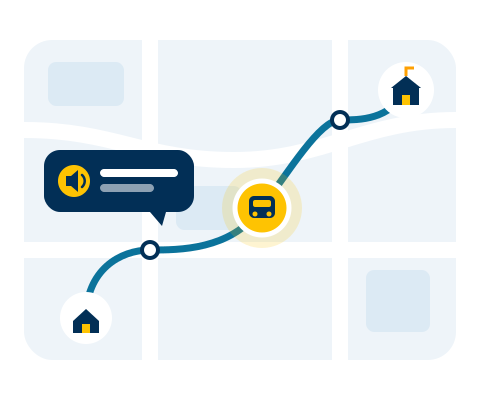
How it works
Useful notices, not every event
Trip and attendance
A trip you follow has started, your child was picked up or dropped off, the bus is near. Parents get updates about their own children; school teams get the updates for the work they manage.
Area alerts
A notice when the bus you follow enters or leaves an area you drew around home, school or a meeting point.
Billing reminders
Reminders before an invoice is due, and a notice on the due date, by email as well as in the app and on your phone.
Requests and invitations
A notice when someone sends you a request or an invitation, or answers yours, with a link straight to it.
Spoken notifications
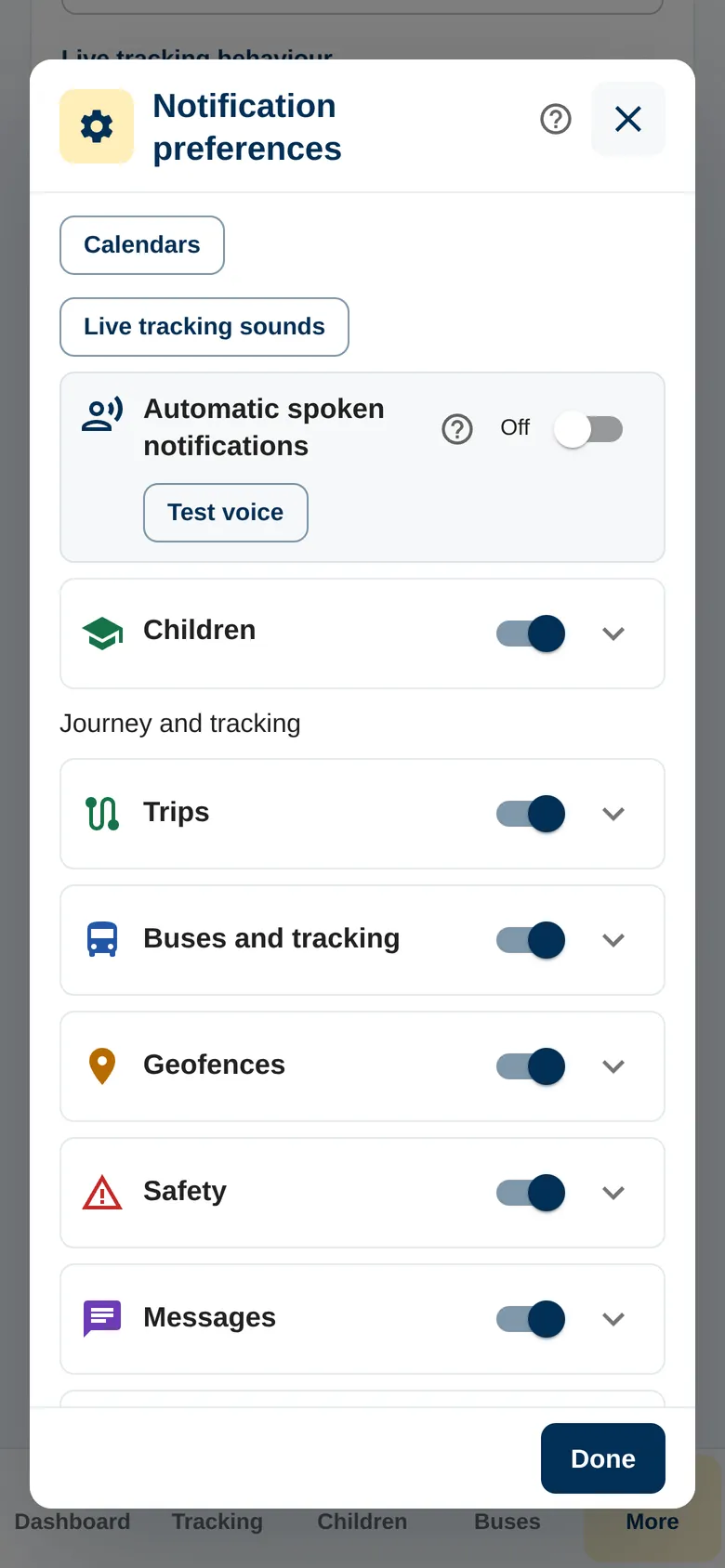
Turn them on and each notice is read aloud as it arrives, short and in your language. On Android this works even with the phone locked.
See it in the app
- 0:00 / 0:13
In one place
Open the notice, reach the details
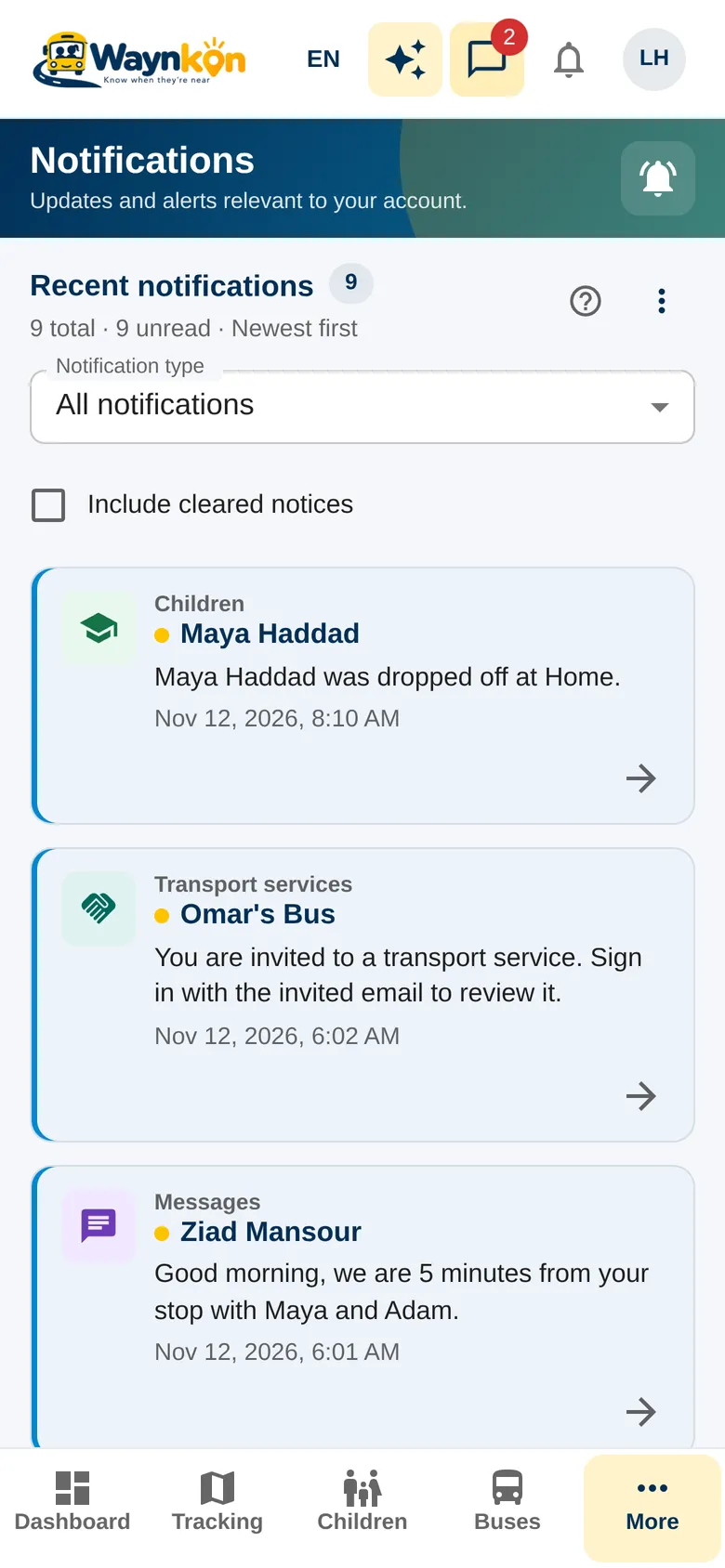
Notifications keeps all your notices together. Open one to go straight to its trip, request or invoice, and mark it read once you’ve seen it.
Choose the notices you want in your preferences. For a family with several children, each notice says which child it is about.
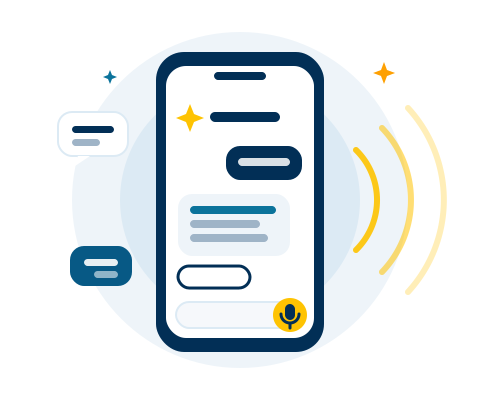
“Change my notification settings.”
Here are your notification settings. Choose the notices you want, then save.
- An attendance notice tells you what the driver recorded. Speak to the school or driver if it doesn’t match what happened.
- Phone delivery depends on the network and your phone’s notification and battery settings. If notices are late, check those settings first.
- Notifications are not an emergency channel. For anything urgent, contact the school or driver directly.