
Ask Waynkon
Just ask. Waynkon knows
It answers. It prepares. You decide. Ask in plain words, typed or spoken, in English, French or Arabic. Ask Waynkon answers from your own Waynkon information, with the names you know, and helps you get things done in the app.
What you can ask
Answers about your day, not a search box
Buses and trips
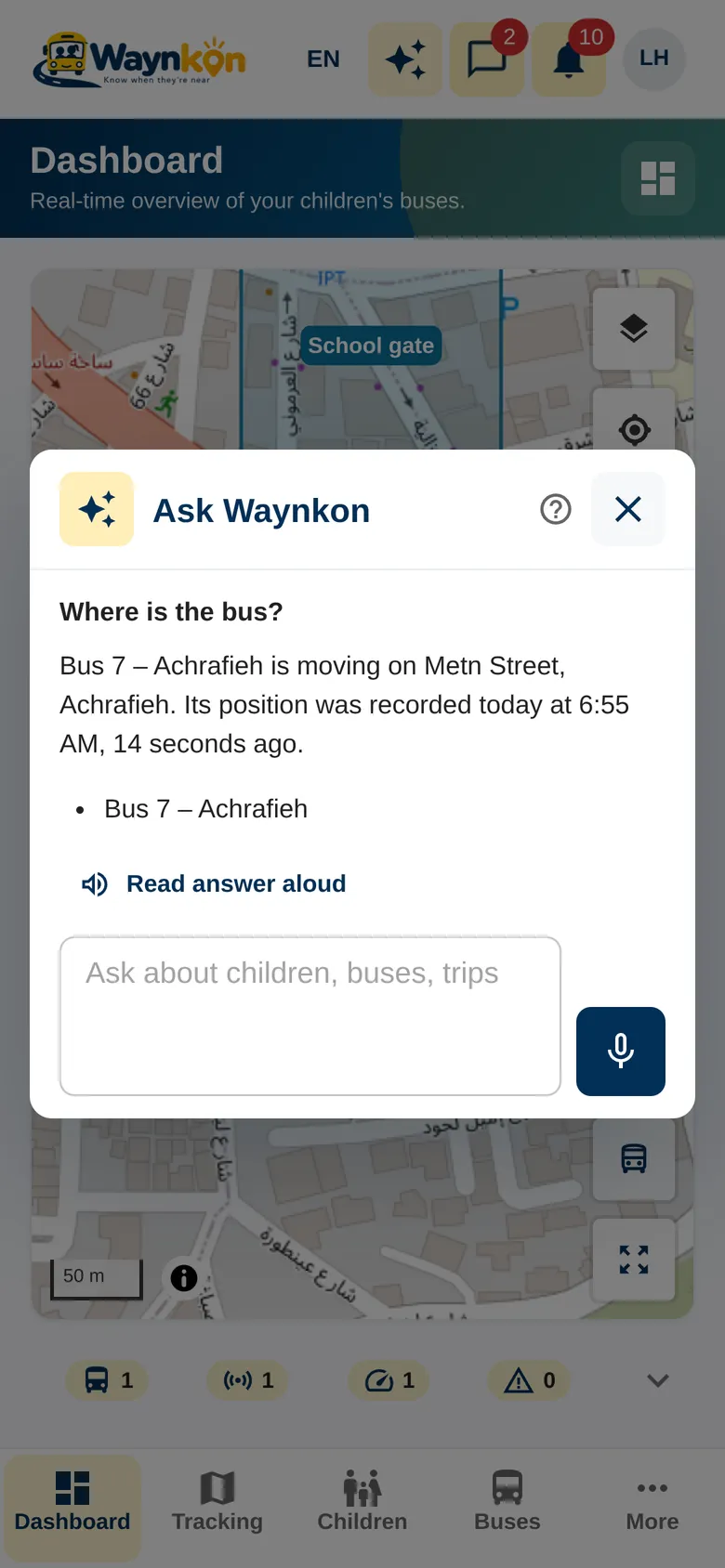
- “Where is the bus?”
- “Which trips are running now?”
- “How did yesterday’s trips go?”
Passengers and attendance
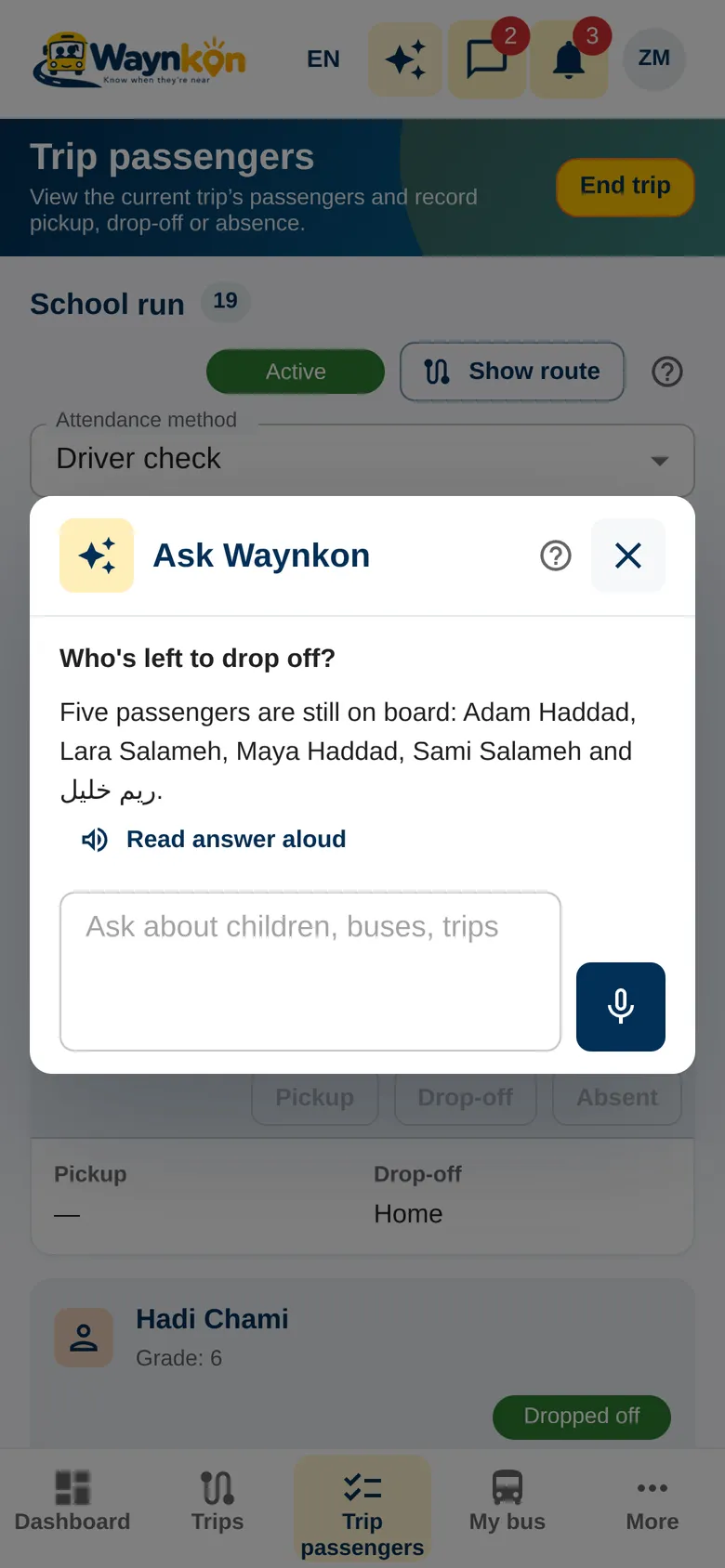
- “Who’s still on board?”
- “Who’s left to drop off?”
- “Was Adam dropped off?”
Children and family
- “Which school is Maya enrolled in?”
- “Add Maya in Grade 4.”
Billing
- “Which invoices are due?”
- “When does my plan renew?”
- “Do I have anything to pay?”
Your business
- “How many buses do I have?”
- “Any new requests from parents?”
- “Show my areas.”
Your account
- “Change my notification settings.”
- “Open my profile.”
- “I need help from support.”
Watch Ask Waynkon at work
Short clips from the app: ask, hear the answer, and let Waynkon open the right page.
- 0:00 / 0:11
- 0:00 / 0:09
- 0:00 / 0:11
- 0:00 / 0:22
- 0:00 / 0:13
- 0:00 / 0:09
- 0:00 / 0:16
Help that opens the right page
It prepares. You decide
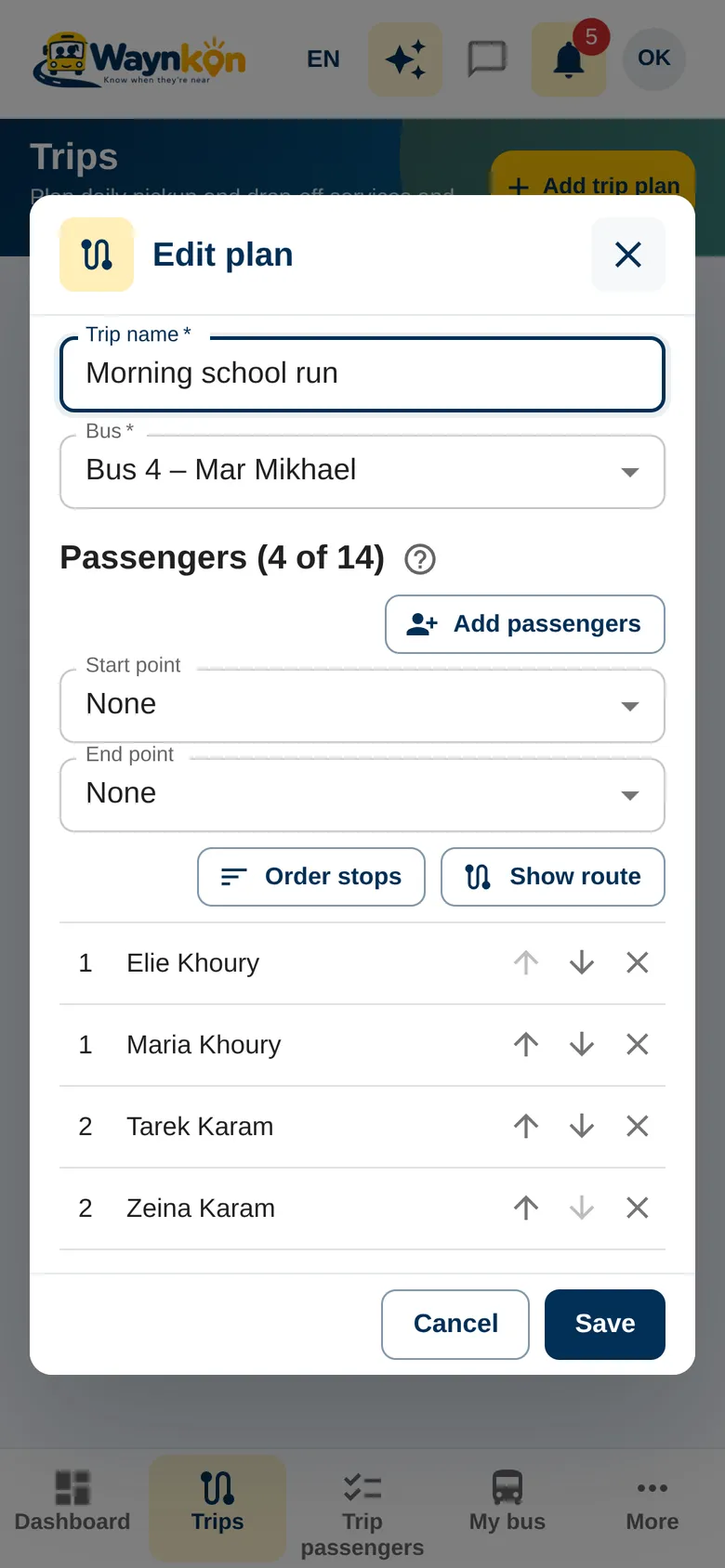
Ask Waynkon can take you straight to the right page, or fill in a form for you. You check everything and save it yourself. Nothing is saved, sent or paid on your behalf.
- Trip plans A new trip plan with its bus and passengers; their stops are added from their addresses, ready to review.
- Children and buses A child’s details or a new bus, filled in for you to check.
- Area alerts A new area, or changes to one you already have.
- Invitations and requests An invitation to a family, or a request to an independent driver.
- Support A support request to the Waynkon team, written up for you to send.
Examples for every role
One assistant, five kinds of day
Voice
Ask out loud. Hear the answer
Speak
Tap Talk with Waynkon to have a spoken conversation. If Talk with Waynkon isn’t offered on your account, hold the microphone and talk, or tap once to start and once to send. Useful at a stop, at the school gate or with a child’s hand in yours.
Listen
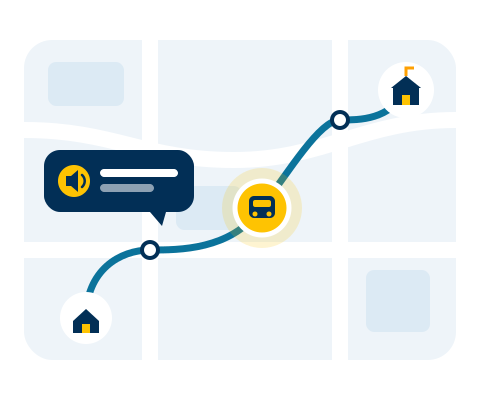
Tap Read answer aloud and Waynkon reads the answer in the language you use the app in. Arabic sounds natural, and times, dates and amounts are read the way people say them.
Spoken notifications
Turn them on to hear notices as they arrive. They are short and private. On Android they play even when the phone is locked.
“The bus you are following is near.”Live conversation
Talk with Waynkon
Tap Talk with Waynkon and speak naturally. Waynkon answers out loud, and you can follow up or interrupt it at any time, just like a phone call. It works from the same information your account can see. Live conversation is available on selected accounts, with a daily time allowance. When it isn’t available, you can type or use the microphone.
- Greets you by your first name
- In Arabic, answers in your own dialect
- Opens pages and prepares forms, then tells you what it did
- You review and save: it never acts on its own
- Checks in if you go quiet, then ends the call by itself
- The End button is always on screen
Three languages, one assistant
English, Français, العربية
Ask in the language you’re most comfortable with. Each person in a journey can use their own: a parent in Arabic, a school office in French, a driver in English.
Where is the bus?
Où est le bus ?
وين الحافلة؟
Arabic examples
In Arabic too
The same everyday questions, asked and answered in Arabic, with screens fully right to left.
- 0:00 / 0:16
Was Adam dropped off?A mother asks whether her son was dropped off. Waynkon confirms it from the drop-off the driver recorded on today’s trip.
- 0:00 / 0:15
- 0:00 / 0:20
How much do I owe?A school owner asks about invoices. Waynkon gives the amount due and the due date, then opens Billing.
Privacy and trust
Only what you’re allowed to see
- Same access as the app Ask Waynkon follows exactly the access your account has. It never reveals another family’s children, another school’s buses or another business’s customers.
- Checked on every question Your access is checked each time you ask. If it changes, the next answer reflects it.
- Never acts alone It prepares and opens. You review and confirm.
- Keep secrets out Don’t type passwords or payment card details into a question. Waynkon never needs them.
- Check before you act For important details, open the related page in the app, or ask Waynkon to open it, and check there.
Questions
About Ask Waynkon
Is Ask Waynkon included in my plan?
Yes. Ask Waynkon is part of the Waynkon app on every plan. Fair daily usage limits apply.
Does it know where the bus will be in five minutes?
No. It tells you where the bus is now and when its position was last updated. It doesn’t predict arrival times.
Can it record attendance or start a trip for me?
No. It can take you to the right screen. The driver records attendance and starts trips in the app.
Is there a limit to how much I can ask?
Yes. There is a fair daily allowance. The app tells you if it is reached, and you can ask again later.
What if it gets something wrong?
For important details, open the related page in the app, or ask Waynkon to open it, and check there. Contact Waynkon support if something looks wrong.
Ask your first question today
Look for Ask Waynkon at the top of the app: in the web app, and in the Android app (now in Google Play testing).