
Employed drivers
Your assigned run, ready to work
Use the account your school or organization provides to run the bus and trips assigned to you.
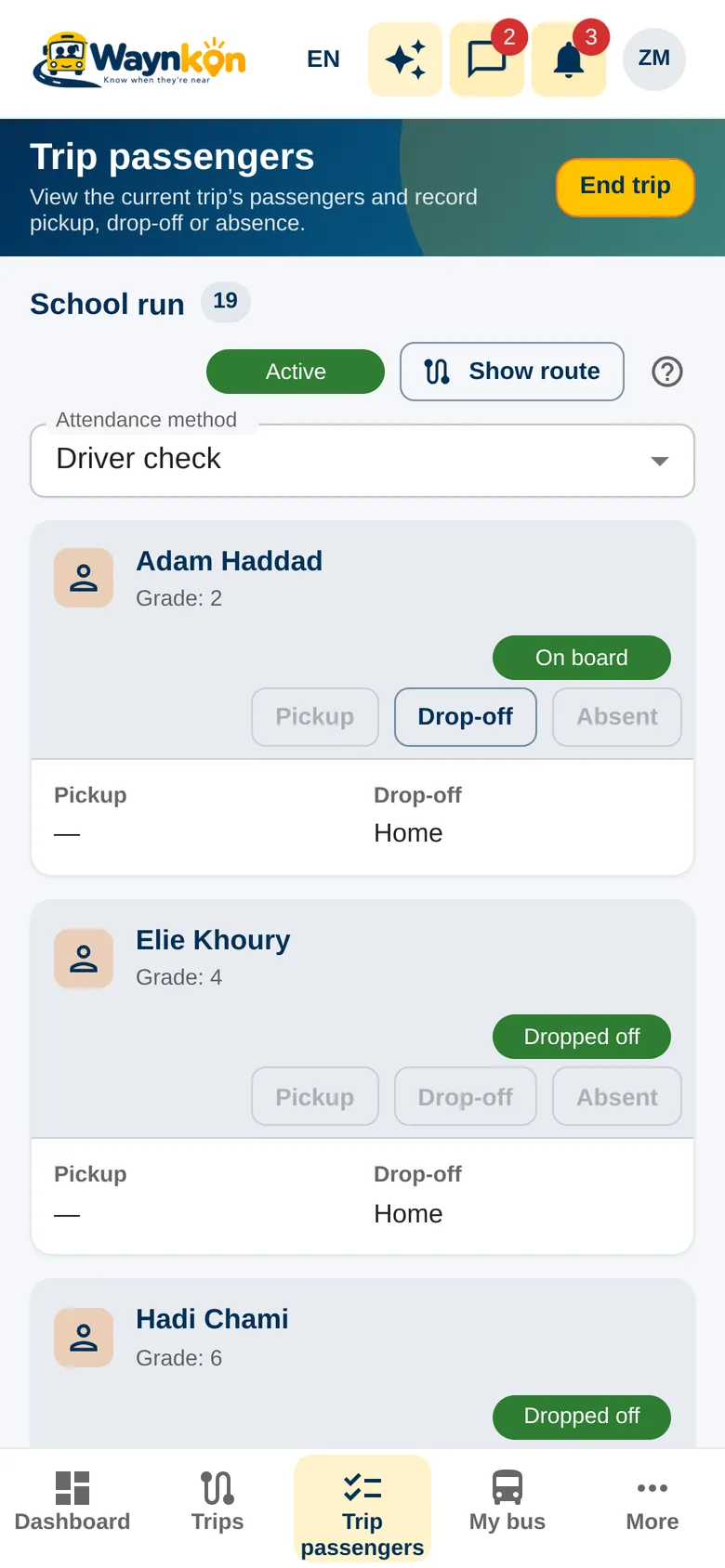
Your day
From sign-in to the last stop
Use your staff account
Your employer creates your login and assigns your work. You don’t need to register a business of your own.
Review the trip before moving
Check your assigned bus, the trip and its passengers. You see the guardian details needed for the trip, not the whole school directory.
Record the journey safely
Start or resume the trip, check that location is sharing, and record pickup, absence and drop-off at safe stops. Ending the trip asks you to confirm.
Keep sharing in the background
With the Waynkon Android app and the right location settings, sharing continues with the screen locked or another app open.
In the app, for your day
- 0:00 / 0:18
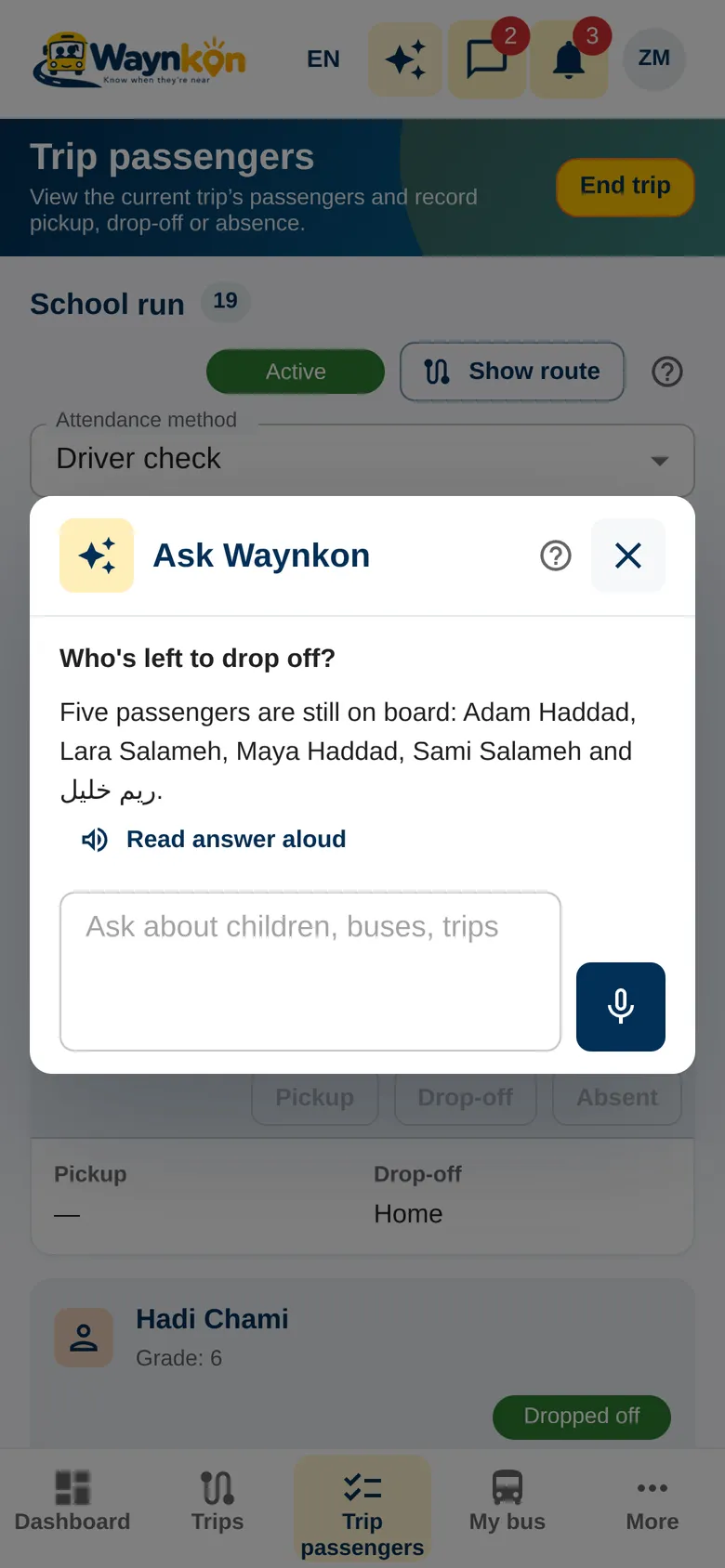
Good to know Your access follows your employer and your current assignment, with no personal Waynkon plan to buy. A weak GPS signal or network can still delay position updates.