
How billing works
Your plan, your invoices, explained
Everything you need to know about paying for Waynkon, from choosing a plan to paying an invoice.
Who pays Waynkon?
Parents, schools, organizations and independent drivers each choose their own plan. Employed drivers and attendants don’t buy a personal plan. Your transport fare is separate, and a new enrolment doesn’t create a Waynkon charge on its own.
Your plan, dates and limits
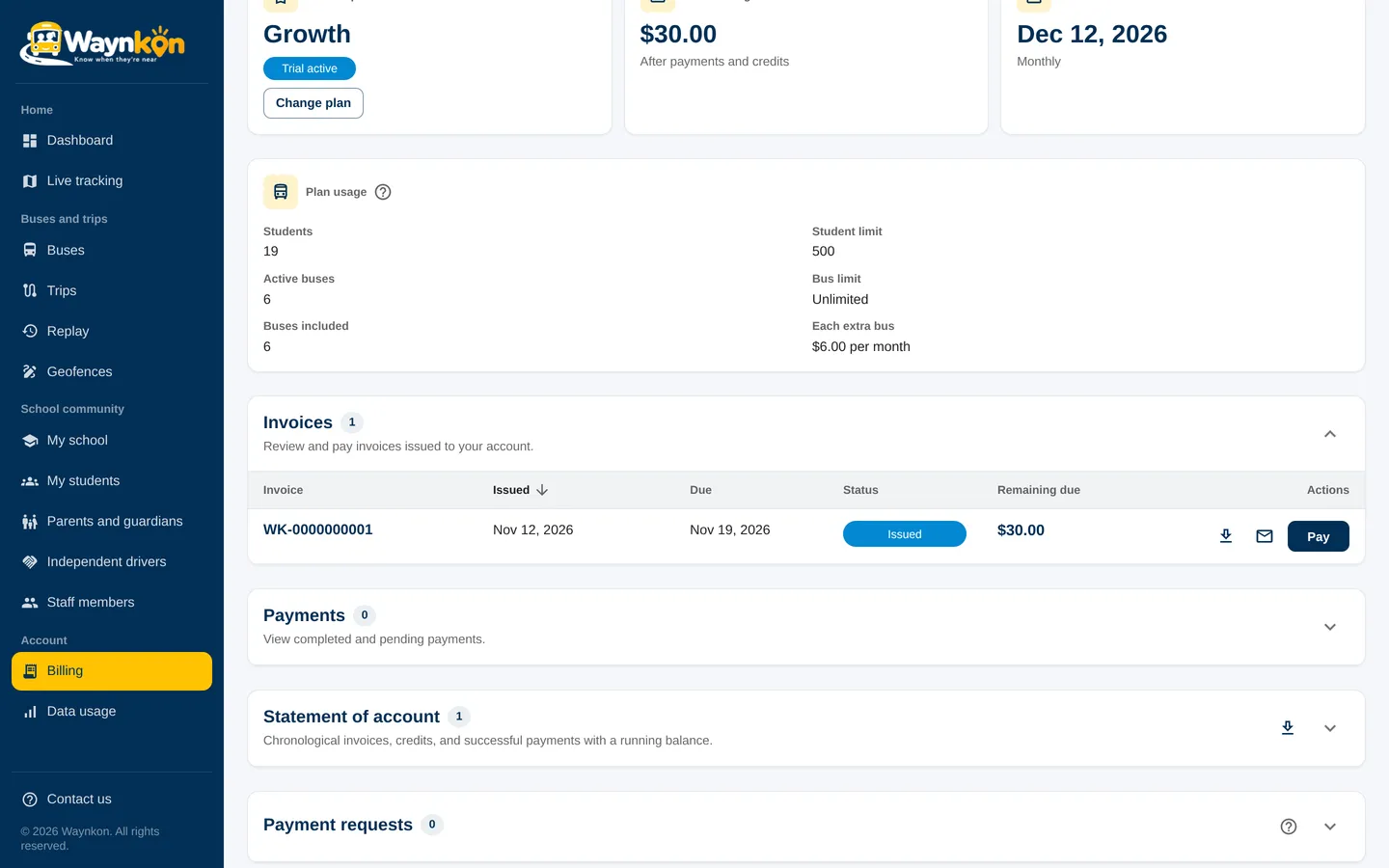
Review the plan and any trial before you register. Billing then shows your current plan, renewal date, usage, invoices and service status.
Changing a plan
Request a change in Billing. It applies at your next renewal, with no partial charges. Moving to a smaller plan keeps your records; you just can’t add more until your usage fits the new limits.
Due dates and reminders
Your invoice shows its due date. You’ll get reminders before it, and a notice on the due date: in the app, by email and on your phone. If an invoice is still unpaid after its due date, service can be paused until it is paid.
Paying an invoice
Choose the invoice in Billing and use one of the methods shown. While Waynkon reviews your payment, your service continues. You’ll see the result in Billing.
If service is paused
Billing shows which invoice needs attention. Pay it, or contact Waynkon if you think there’s a mistake. Ask Waynkon can also tell you: “Do I have anything overdue?”
“Do I have anything overdue?”
No. Your only open invoice is USD 30.00, due Tuesday 18 November.