
Drivers and attendants
Your assigned trips, ready to go
Your school or organization sets up your account. Sign in and your bus, trips and passengers are waiting.
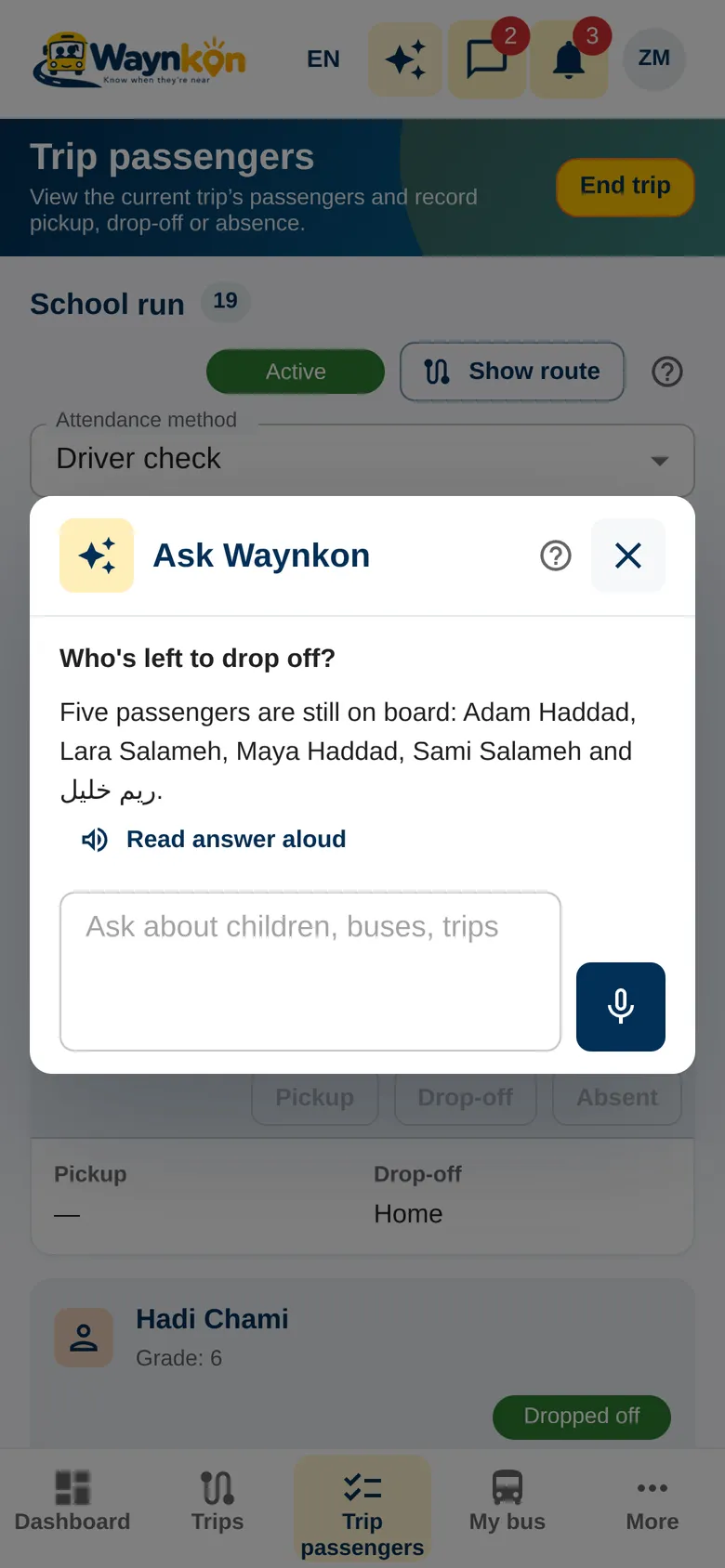
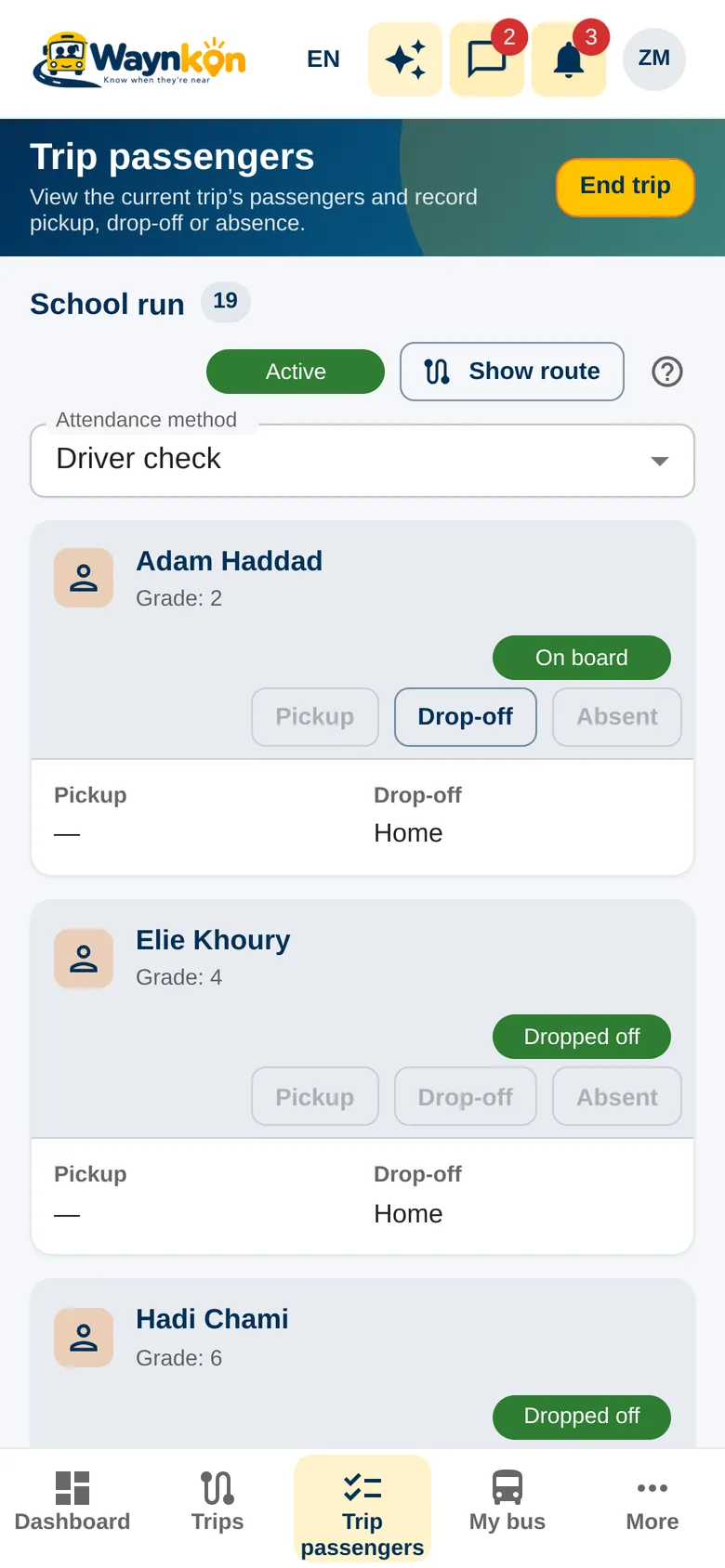
Ask Waynkon
Bus stopped? Just ask
Tap Talk with Waynkon and ask who’s left to drop off, or hold the microphone if it isn’t offered on your account. Waynkon answers from your assigned trip, and can read the answer aloud.
Your work
Exactly what your job needs
Employed drivers
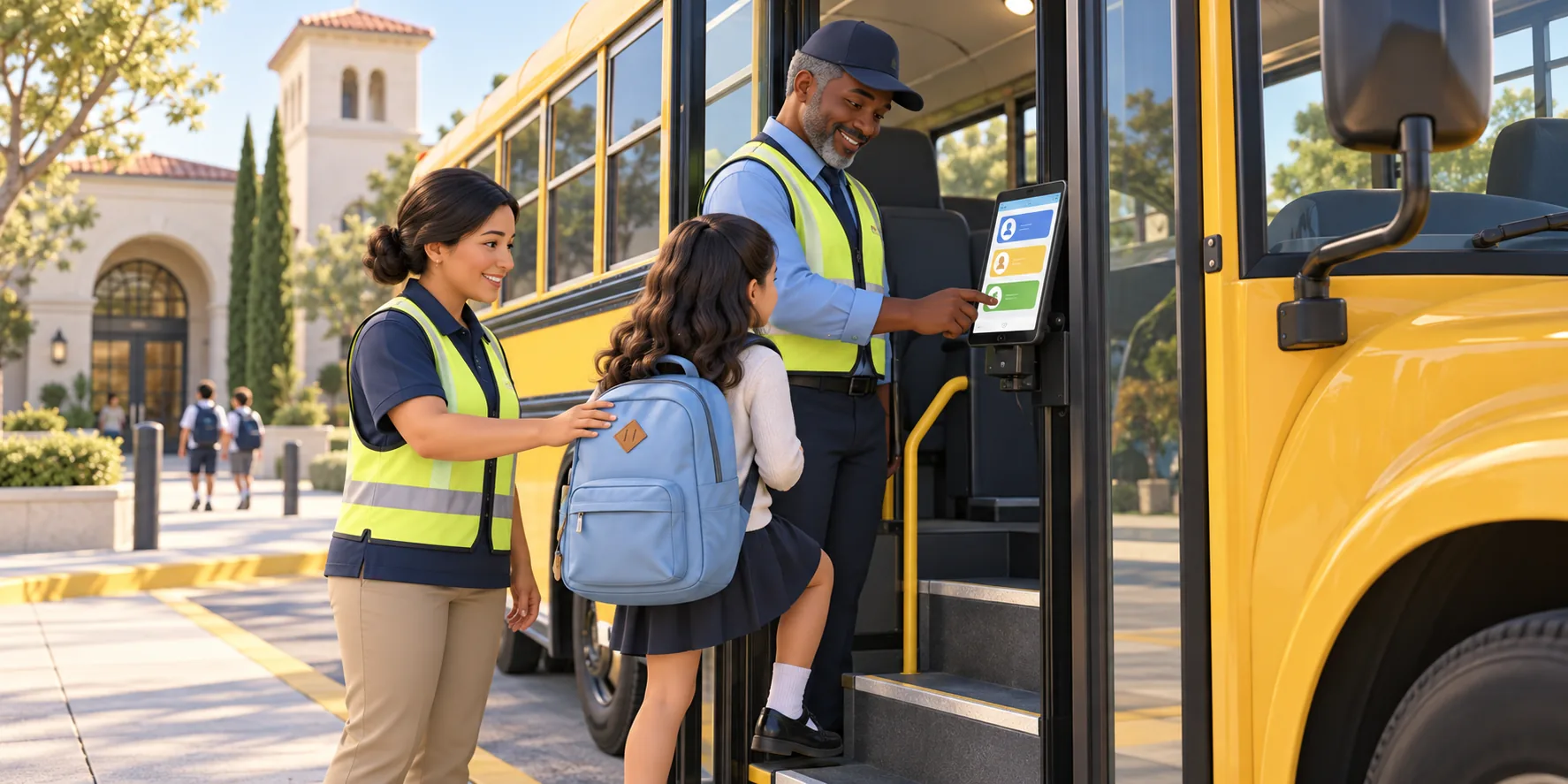
Use your assigned bus, run the trip and record each passenger’s pickup, drop-off or absence. You see the guardian details needed for the trip, not the school’s whole family directory.
Attendants
Your tasks follow what your school gives you. Attendants without a bus or trip assignment don’t receive bus movement notices by default.
Phone location
The Waynkon Android app keeps sharing during the trip, even with the screen locked. If you use the browser, keep the page open. Set up the phone before driving.
Getting your account
Your employer adds you
You receive a welcome email to set your own password, or a printed sign-in card from your school.